

How to Register for the ATMA Exam: A Step-by-Step Application Guide
Introduction
Registering for the ATMA exam involves a few straightforward steps, but missing a deadline or entering incorrect details can cause problems. The ATMA registration process is completed online, so take time to check your information and confirm that your payment has gone through.
Start by choosing the exam session, gathering the information you’ll need and checking each step as you go. Following the ATMA registration process carefully can help you avoid common errors. Dates, fees, instructions and available options can change, so follow the latest official notice rather than an older guide or saved information.
The candidate and the application: two sides of the process
You’re responsible for providing accurate personal, contact and academic details. The application system records that information and uses it to manage the exam process. During the ATMA registration process, enter your details exactly as requested, and make sure you can access the email address and mobile number you provide.
Before you begin, read the notice for your chosen ATMA session. Check the registration dates, exam date, eligibility requirements, fee and payment methods. Review any instructions for photographs, signatures or identification details. If the notice mentions a correction window or document requirements, take note; don’t assume you’ll be able to make changes later. This session-specific registration guidance is an important part of the ATMA registration process.
Exam registration is separate from applying to management programmes. Submitting the ATMA application form registers you for the test, but it doesn’t necessarily complete your application to an institution that accepts ATMA scores. Each institution may have its own eligibility criteria, deadlines and selection process, so the ATMA registration process is only one part of planning your applications.
Key application steps
1. Select the correct session. Make sure the session matches your intended exam date and application timeline. Several sessions may be held during an admission cycle, and their details can differ. Check the current notice to confirm which session is open and whether its schedule works for you. This is the first of the application steps in the ATMA registration process.
2. Register as a candidate. Begin candidate registration through the official ATMA registration system. Enter your contact details carefully, especially your email address and mobile number. The system may use them for account access and important updates, so check for typos.
3. Set up your account. Follow the on-screen instructions for exam account setup, and store your login details securely. Keep any verification message or registration reference you receive. Don’t create multiple accounts unless the official instructions tell you to; duplicate records can make your application harder to track. Completing this step is part of the ATMA registration process.
4. Complete the application form. Fill in every section of the ATMA application form, including personal, contact and academic details where requested. Check spellings and dates against the records you’ll use for verification. Take extra care with details that may be difficult to change, such as your name, date of birth or selected exam details.
5. Upload files and make any required choices. Upload a photograph, signature or other file only if the current instructions require it. Check the file type, size, clarity and placement against the form’s specifications. If the form asks you to choose a test location or another option, review the available choices before confirming. Check the live form and session notice for current availability.
6. Pay and confirm your application. Choose a payment method offered by the system and wait for the transaction to finish before closing the page. A debit from your bank account doesn’t by itself confirm your application. Check the portal for a payment status, submission confirmation or receipt, and save a copy.
7. Review your submission. If the portal allows it, reopen or preview your submitted details. Confirm that your application status is complete and that the key information is correct. Keep your registration reference, payment confirmation and any permitted copy of the form together so you can find them later. These checks help you finish the ATMA registration process with a record of your submission.
What can affect the process
Timing is critical. The deadline applies to the whole process, not just creating an account. Waiting until the last few hours to upload files or pay leaves little time to deal with a rejected file, delayed transaction or busy portal. Start early enough to resolve routine issues without relying on an extension. A little preparation makes the ATMA registration process easier to complete on time.
Accuracy matters too. Your registration details may be checked against documents or used for exam communications. Even small inconsistencies can be difficult to explain, so use official records and review the form before submitting it. If a field is unclear, check the instructions or contact official support rather than guessing.
Use the instructions for your current session. Search results, informal posts and older guides may contain outdated dates, fees or upload requirements. Rely on session-specific information and distinguish confirmed requirements from assumptions.
Submission-day scenario
Imagine a candidate starts on the closing date with only a phone and incomplete records. They may need to stop to find academic details, resize a photograph or retrieve payment information. Each interruption increases the risk of missing a field or leaving a transaction unresolved, with little time left to contact support.
Starting earlier makes the process easier. The candidate reads the notice, gathers the required information, completes the form in one sitting and checks the confirmation before logging out. If a technical problem comes up, there’s time to document it and contact official support. The goal isn’t to overcomplicate registration, but to avoid preventable mistakes.
Conclusion
The ATMA registration process is manageable when you treat it as a checklist. Confirm the session and deadline, register with reliable contact details, complete the form accurately, follow the file and payment instructions, and check that your submission has been recorded.
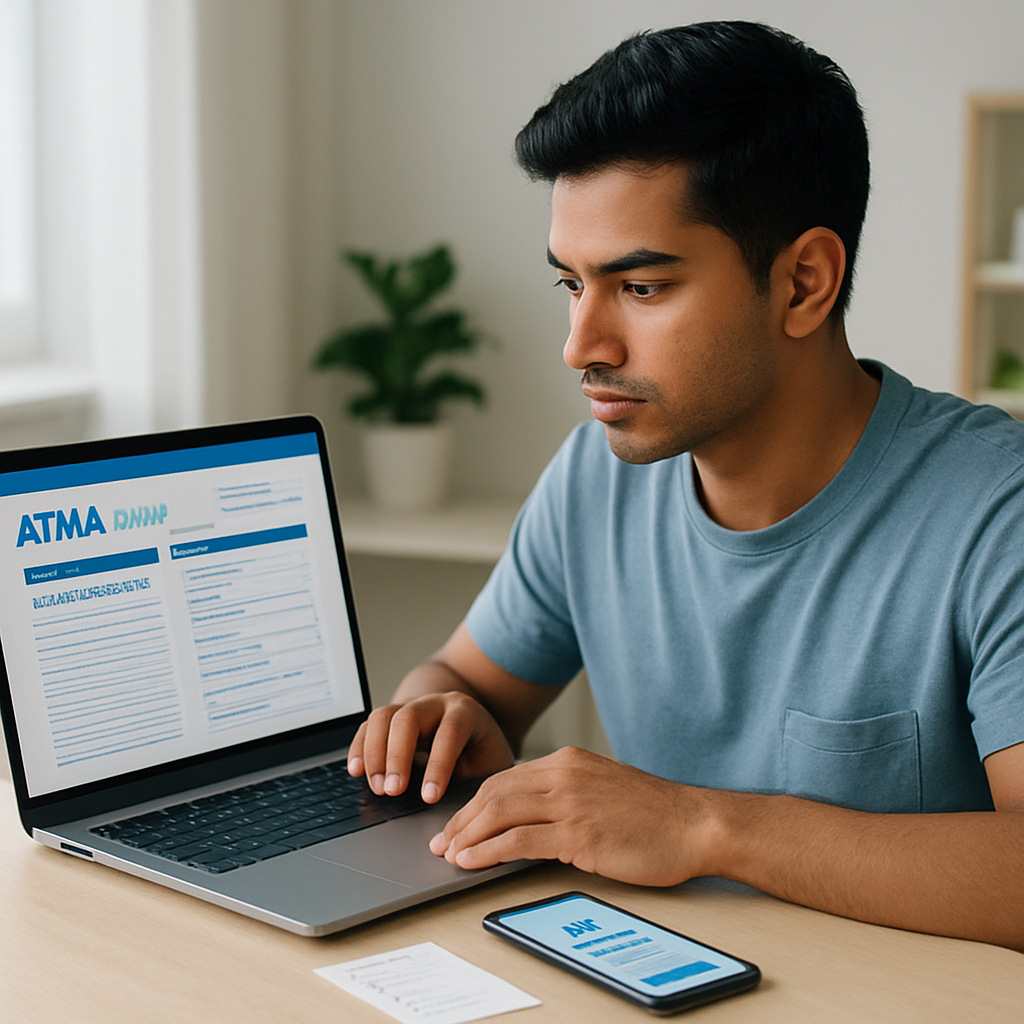
Keep the receipt and registration details, and follow official updates for your session. Remember that registering for the exam and applying to individual institutions are separate tasks. Careful registration can’t determine your exam result, but it can help prevent administrative mistakes from keeping you from sitting the exam.